Event email template
Invite your list to a live demo and send everyone the recording
A software company's webinar invite, built around a labeled date and host block, two Save your seat buttons, and a promise to send the recording to everyone who registers.
Loopwise9:41 am
Loopwise Live: reports that update themselves
December 11 at 1 pm ET. 45 minutes with Mara Okafor, plus live Q&A.
Free on every plan · No credit card to start
Live preview
How it gets sent
Sending this email as a campaign
This email is sent as a campaign, to the list or a saved segment, now or at a time you pick. Campaigns are on every plan, Free included.
- Whole list, or a saved segment on Starter and above
- Send now or at a scheduled time
- Opens and clicks reported for every send
Why it works
Why this email works
- 1Date, length and host sit in one block. The three labeled lines come right after the opening paragraph, so someone reading on a phone finds the time and the speaker without hunting. Nothing about the session is buried in prose.
- 2The recording promise answers the no. One line says the recording goes to everyone who registers, even people who can't attend live. That gives a reader with a clash on December 11 a reason to sign up anyway.
- 3Three topics, each with a heading. Reports, alerts and Q&A are laid out as separate blocks with a line of plain description under each. A reader can tell in a few seconds whether the session covers their problem.
- 4The last button follows the proof. A one-sentence quote from an ops lead at a supply company sits above the second Save your seat button, near the line about 500 seats. The ask comes after the reason to say yes.
Every word, set out as text
- Subject
- Loopwise Live: reports that update themselves
- Preview text
- December 11 at 1 pm ET. 45 minutes with Mara Okafor, plus live Q&A.
Live webinar, December 11
Build reports that update themselves
Hi Alex,
On December 11 at 1 pm ET, Mara Okafor walks through the report builder and shows how to set up a report that refreshes every morning on its own. 45 minutes, then 15 for your questions.
DATE
December 11, 1 pm ET
LENGTH
45 minutes plus Q&A
HOST
Mara Okafor, product lead at Loopwise
Save your seat
Free to attend. We send the recording to everyone who registers, even if you can't make it live.
What we'll cover
Reports
Scheduled refreshes
Connect a data source, pick a refresh time, and the report rebuilds itself. No CSV exports, no Monday morning copying.
Alerts
Send it where people look
Send a report to Slack or email on a schedule you choose. Set a threshold and it only sends when the number changes.
Q&A
Bring questions
Mara stays on for 15 minutes after the demo. Ask about your own setup and she'll answer live or follow up by email.
We replaced four Monday morning spreadsheets with one Loopwise report. It shows up in Slack at 8 am and nobody has to touch it.
Dana Whitfield
Ops lead, Fernway Supply
Seats are limited to 500
Save your seat
December 11, 1 pm ET. Recording sent to all registrants.
You get this email because you signed up for Loopwise product updates.
More like this
More event templates
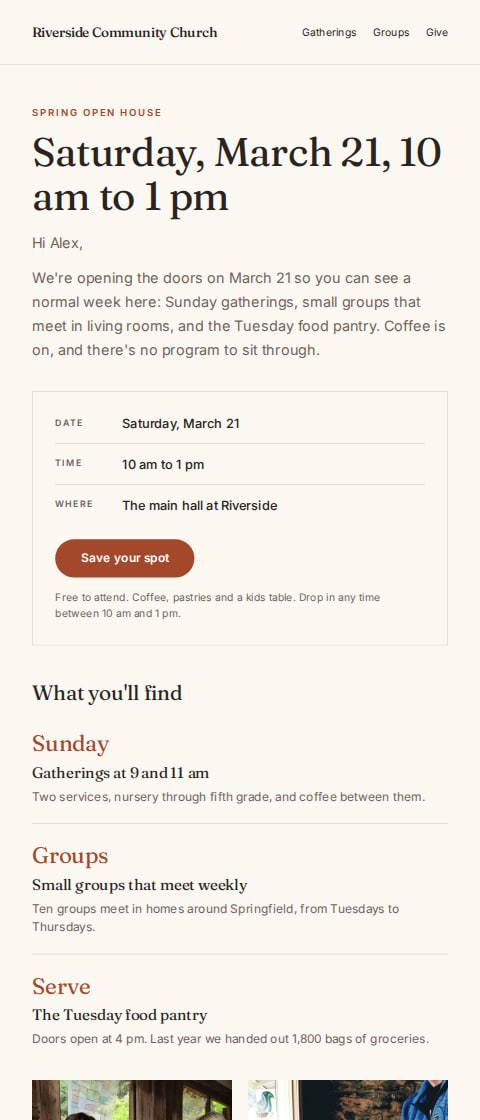
Church and community group
Church open house invitation
“Open house at Riverside, March 21”
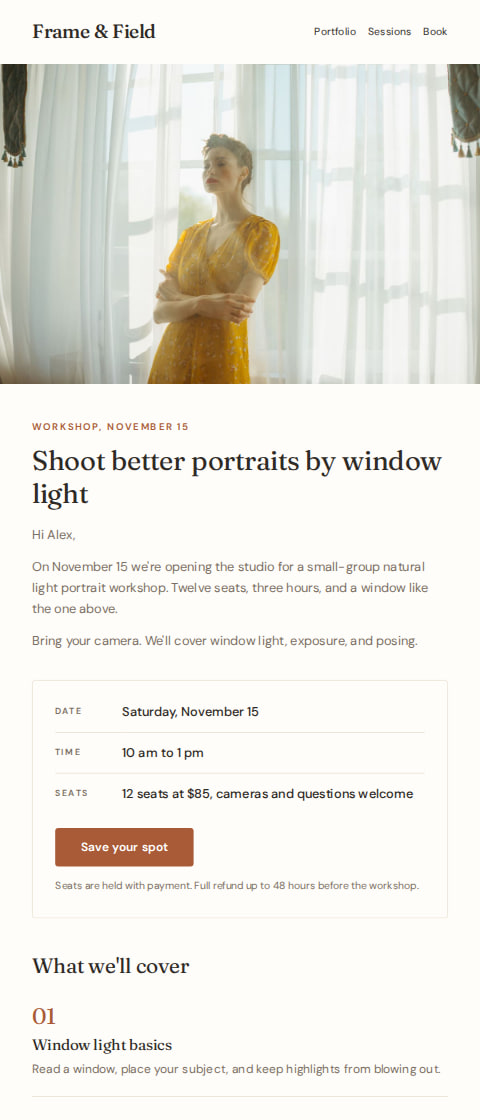
Photography studio
Photography workshop announcement email
“Natural light portrait workshop, November 15”
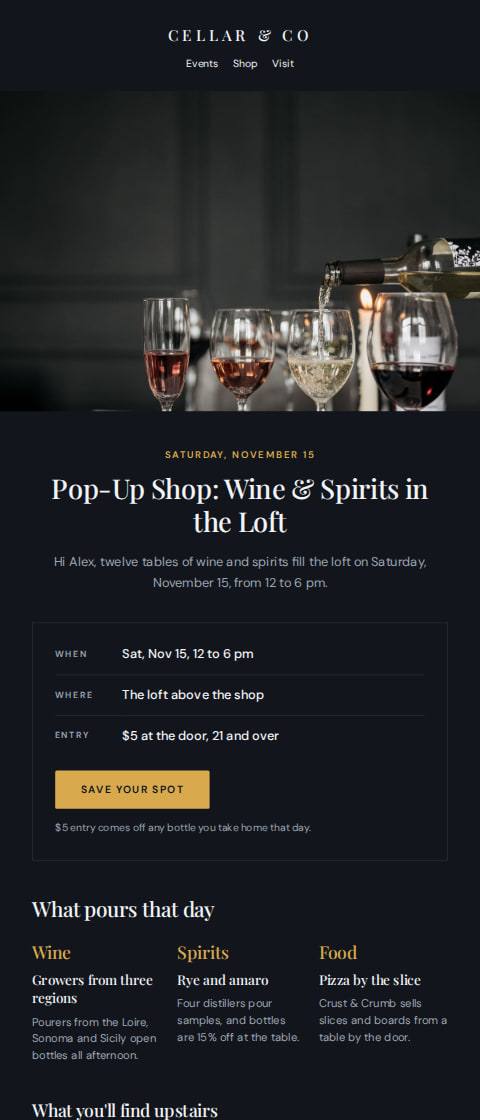
Wine shop
Wine shop pop-up invite
“Pop-up shop: wine and spirits, November 15”
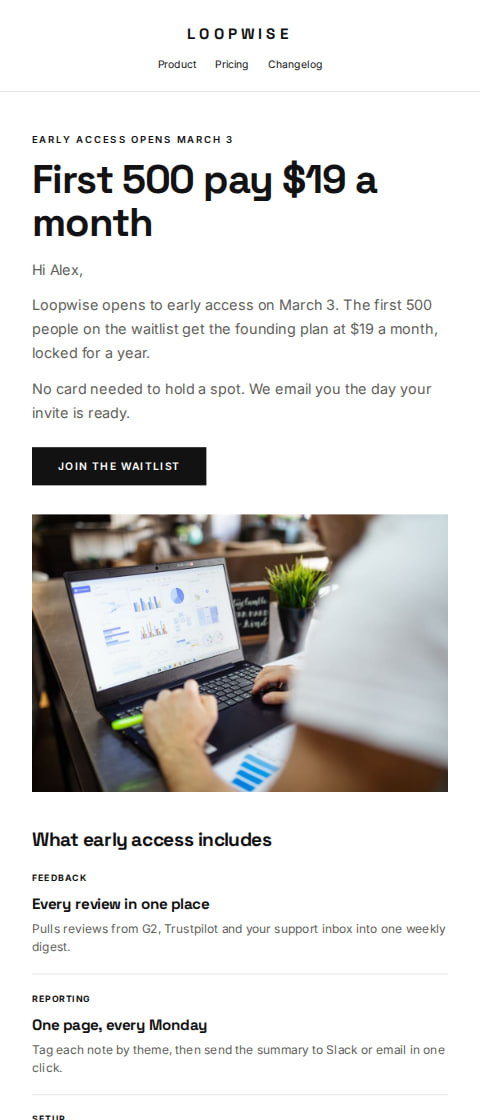
Software companies
Coming soon early access email
“Loopwise early access opens March 3”
Make this template your own
Start from this design, put your own business in it, and let AguMail send it.
- 1
Use the template
It opens in the AguMail editor as your own copy, ready for your words and pictures.
- 2
Make it your business
Add your logo, colors, photos and words. The writing assistant can draft the words from your business details, and you approve them.
- 3
Send it, or let it send itself
Pick the list or a saved segment and a time, now or later.
No credit card to start · 14-day free trial · Cancel anytime