Email templates
Back in stock emails, and when to send them
A back in stock email tells people who wanted a sold out item that it is available again. Four templates below, plus when to send yours, how to time it, and subject lines to borrow.
4 templates, free on every planTemplatesWhen to sendSubject linesQuestions
Back in stock templates
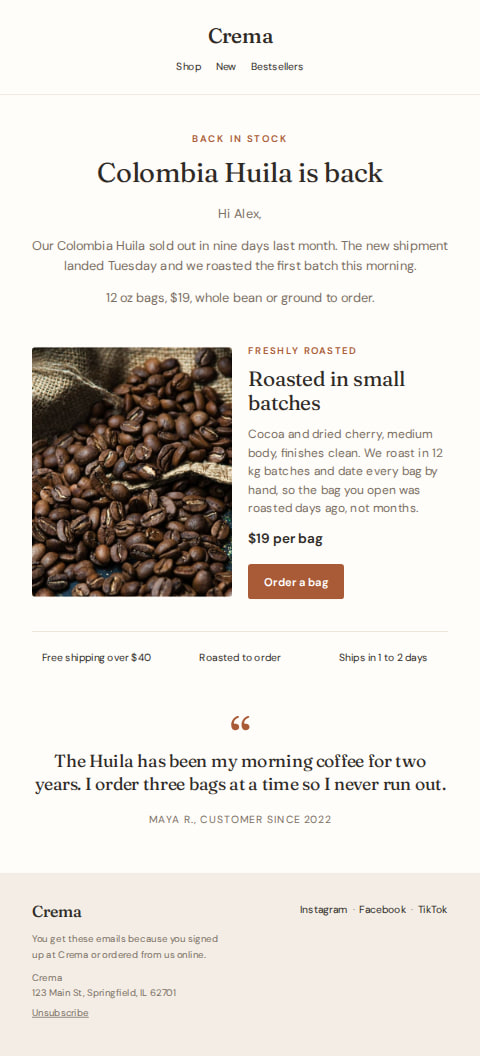
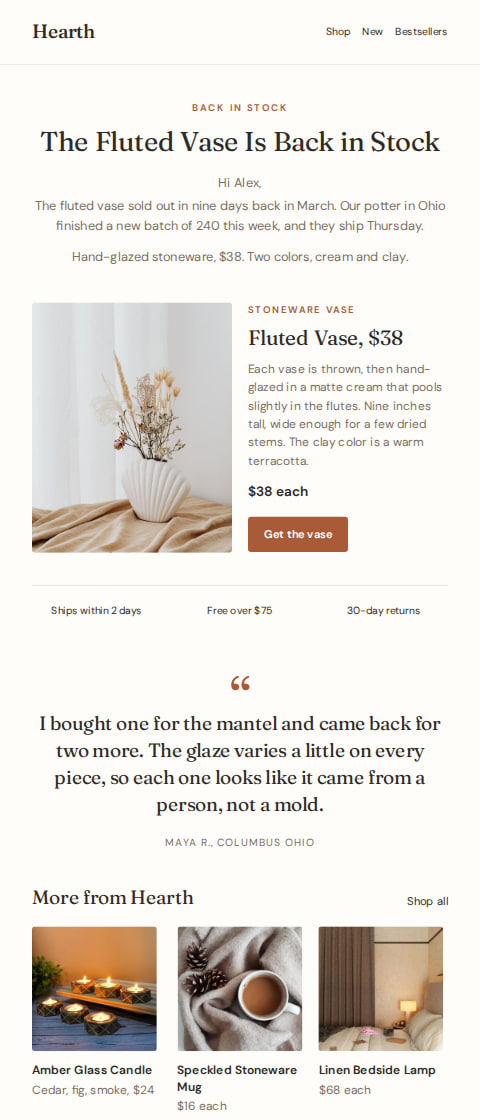
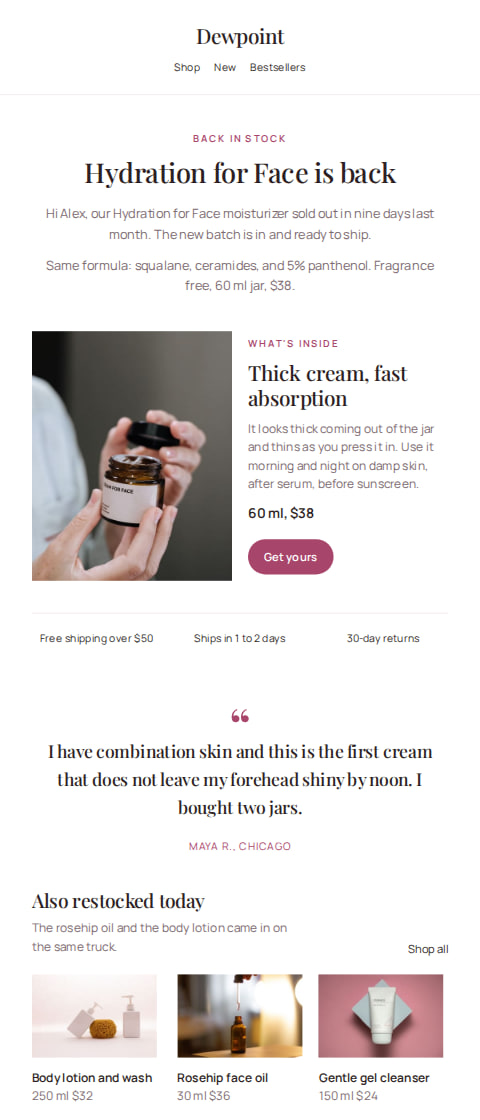
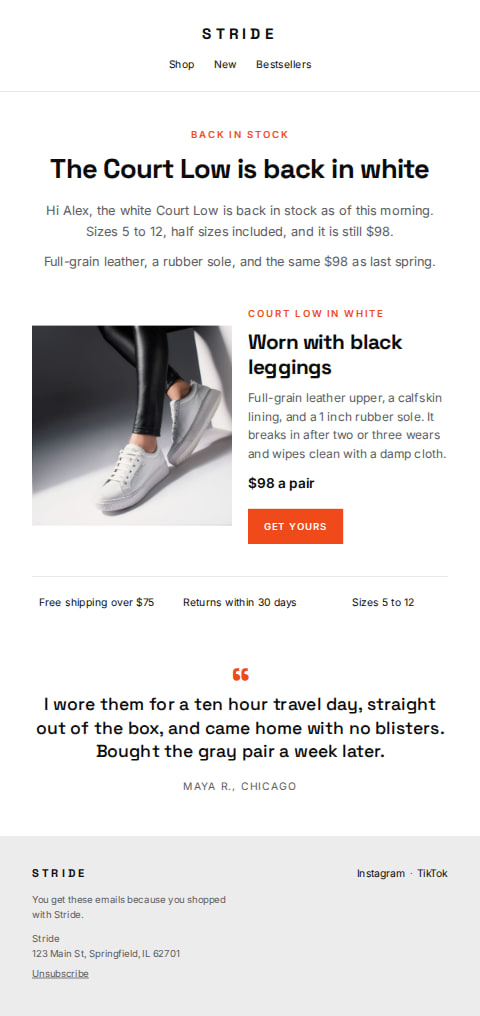
The guide
How to write back in stock emails
When to send it
Send it the day the item is actually on the shelf or in the warehouse, not the day you place the reorder. People who asked at the counter or signed up for a notice are waiting on that answer, and a link to a sold out page undoes the goodwill.
Send it to your whole list when the item is a general favorite, like a house coffee or a plain white tee that everyone asks for. For one size, one shade or a single limited piece, send it to a saved segment of people who bought it before or asked about it.
Skip the email when only a few units came in. Twenty people arriving for three vases leaves twenty people disappointed, and the next back in stock email gets ignored.
Timing
One email per item, each time it returns. Send it in the morning so the stock is live when the first people open it, and check the product page yourself before you hit send.
It is a campaign, so it goes out once, when you decide. If the item sells out again within a day or two, a short second email saying so is better than letting people find out at checkout.
Subject lines
Crema9:41 am
Back in stock: the one you asked about
Crema9:41 am
Your size is back on the shelf
Crema9:41 am
The new batch landed this morning
Crema9:41 am
In stock again, and more of it this time
Crema9:41 am
Back in stock before the weekend
Crema9:41 am
Restocked: the shade you wanted
Crema9:41 am
It's back, same price as before
Crema9:41 am
Sold out for a month, back today
Crema9:41 am
White is back in every size
Crema9:41 am
Back in stock, and it went fast last time
How AguMail sends it
Pick a template and AguMail copies it into your account and opens it in the email editor, where every word, color and picture can be changed. The writing assistant can draft the wording from the business details you saved, and you read and approve it before it goes out.
Send it as a campaign to your whole list, or to a saved segment on Starter and above, now or at a scheduled time. Campaigns are on every plan, Free included, and so is every template in the library. The 14-day free trial covers every feature and needs no credit card to start.
This email is sent as a campaign, to the list or a saved segment, now or at a time you pick. Campaigns are on every plan, Free included.
Common questions about back in stock emails
Do I need a separate email for each size or color?
No. One email can list the sizes or shades that came back, as long as the button lands on the product page where people can pick. Split it only when the audience is different, such as people who bought one shade before.
How often should I send a back in stock email?
Once per item, each time it returns. If the same item sells out and comes back every few weeks, keep the email short and the subject line plain so people still open it.
What if it sells out again before people open the email?
Say so at the top of the product page and point people to the closest alternative. Better still, hold the send until the stock is counted and on the shelf.
Can I send it only to people who asked to be told?
Yes, if you keep those people in a saved segment. Saved segments are on Starter and above. On Free, the campaign goes to your whole list.
Should the email include a photo?
Yes, a clear photo of the actual item in the color that came back. People are checking that it is the same thing they wanted, so a picture of the real product does more than a paragraph about it.
Ready to send your back in stock email?
Pick a template, make it your business in the editor, and let AguMail send it.
No credit card to start · 14-day free trial · Cancel anytime
More kinds of email:Abandoned cart emailsNewsletter emailsSale emailsWelcome emailsWin-back emails