Email templates
Write a newsletter email people read to the end
A newsletter is the email you send when there is no sale and no receipt, just something worth telling your list. Here are four templates to start from, and a few habits that help.
4 templates, free on every planTemplatesWhen to sendSubject linesQuestions
Newsletter templates
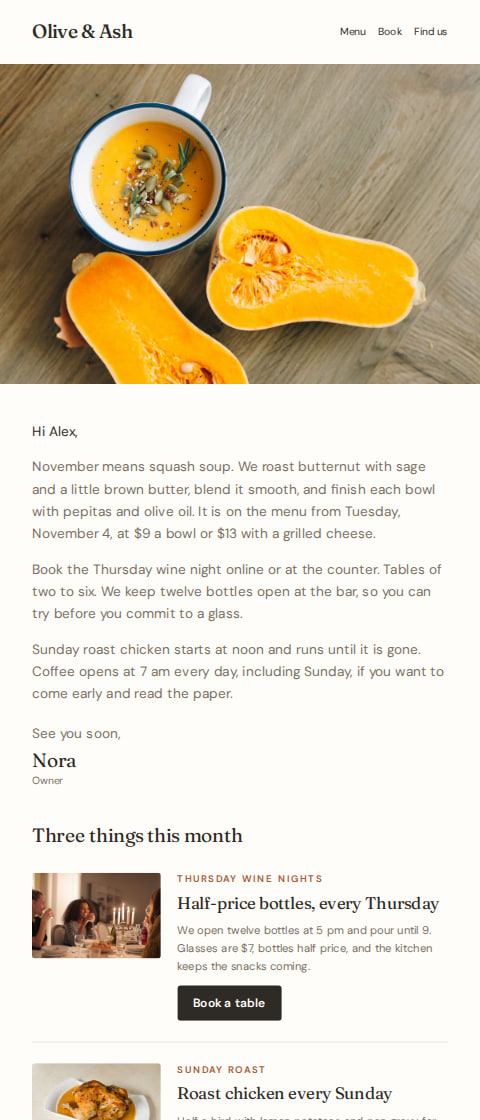
Cafés and restaurants
Neighborhood café newsletter
“Squash soup, wine night, Sunday chicken”
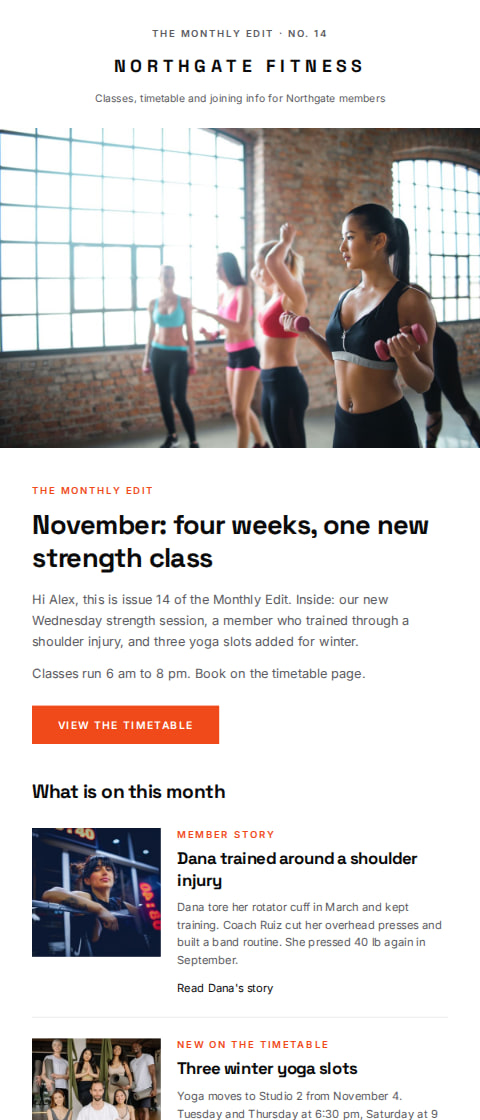
Fitness studio
Monthly studio newsletter
“The Monthly Edit, No. 14: a new strength class”
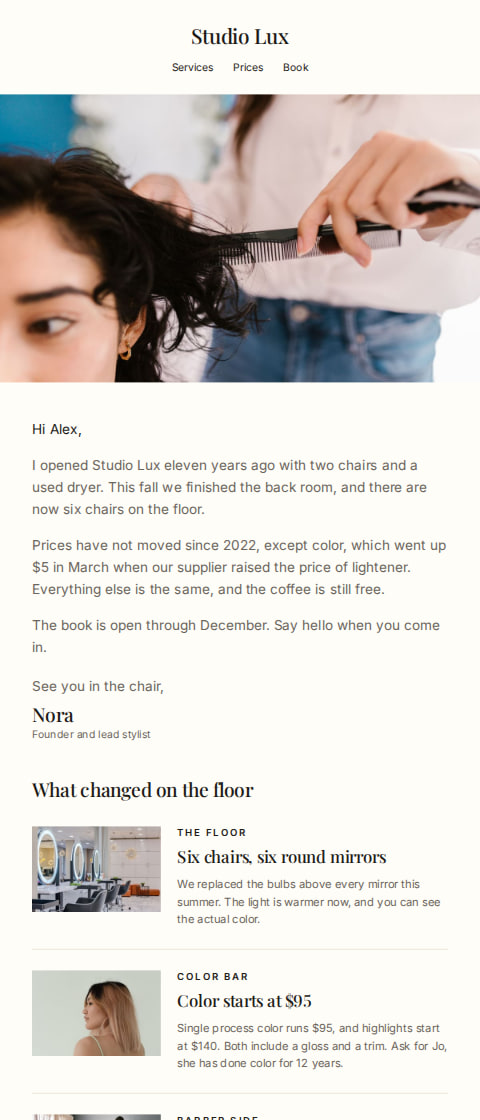
Hair salon and barber
Salon news and price update
“A note from Nora at Studio Lux”
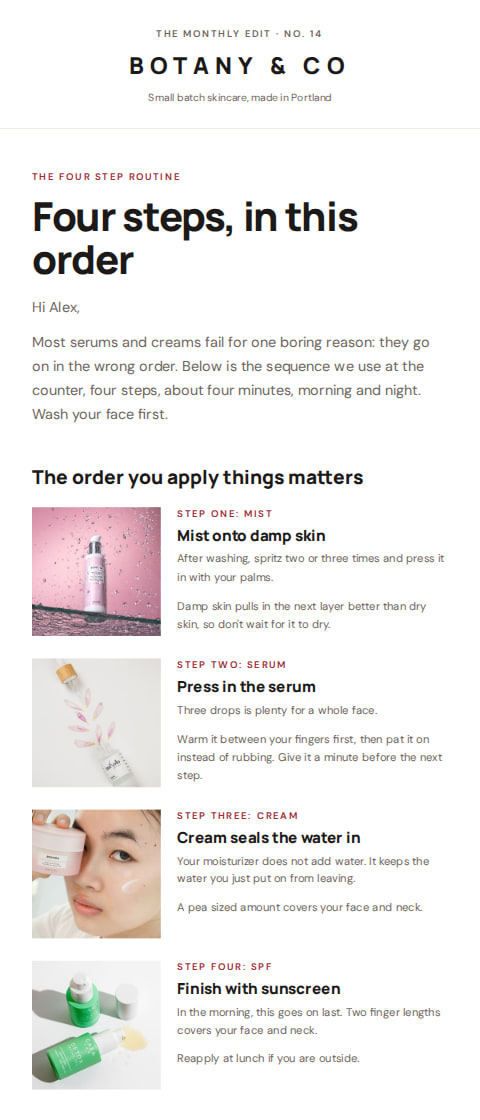
Skincare shop
Skincare routine newsletter
“The order you apply skincare matters”
The guide
How to write newsletter emails
When to send it
Send it when there is something to say and nothing to sell. A new menu item, a class that just went on the schedule, a product that arrived, a change to your hours. The reader should finish it knowing one thing they did not know last week.
It can go to everyone on your list, or to a smaller group. A café often writes to the whole list. A studio might send a note about new strength classes only to the people who book mornings, using a saved segment.
Newsletters also suit quiet weeks. If nothing is happening, write about what happens behind the counter. How the cold brew is made, who cuts on Tuesdays, what the staff keep arguing about at closing.
Timing
Once a month is a good default for most shops and studios. Pick a day, the first Tuesday or the last Friday, and keep it. Weekly works if your list expects something new each week, like a café with a menu that changes.
Newsletters go out as campaigns, so nothing sends them for you. Put the date in the calendar and build it the week before, or schedule it in AguMail so it lands while you are on the floor.
Subject lines
Olive & Ash9:41 am
A new strength class, starting Tuesday
Olive & Ash9:41 am
Squash soup is back on Monday
Olive & Ash9:41 am
Three things new this month
Olive & Ash9:41 am
Open later on Thursdays
Olive & Ash9:41 am
The one we keep selling out of
Olive & Ash9:41 am
A note from behind the counter
Olive & Ash9:41 am
What we're making in November
Olive & Ash9:41 am
The question we get asked most
Olive & Ash9:41 am
New in, and one thing leaving
Olive & Ash9:41 am
Book the morning slot before it fills
How AguMail sends it
Every template here is free on every plan, Free included. Pick one and AguMail copies it into your account and opens it in the email editor, where you change the words, colors and pictures. The writing assistant can draft the text from the business details saved in AguMail, and you read and approve it before it goes out.
You send it as a campaign. It goes to your whole list, or to a saved segment on Starter and above, now or at a scheduled time. Campaigns are on every plan.
This email is sent as a campaign, to the list or a saved segment, now or at a time you pick. Campaigns are on every plan, Free included.
Common questions about newsletter emails
How long should a newsletter email be?
Short enough to read on a phone between customers. A few short paragraphs and one link is plenty. A menu change or a class list can run longer.
How often should I send one?
Monthly is a safe rhythm for most shops and studios. Go weekly only if you genuinely have something new each week.
Can I send it to part of my list?
Yes. A campaign goes to your whole list, or to a saved segment on Starter and above.
Do I have to schedule it in advance?
No, you can send now or pick a date and time. Scheduling helps when the send day is a busy one behind the counter.
What if I don't know what to write?
Start with one thing that changed this week. The writing assistant can draft the words from your business details, and you edit and approve them before sending.
Ready to send your newsletter email?
Pick a template, make it your business in the editor, and let AguMail send it.
No credit card to start · 14-day free trial · Cancel anytime
More kinds of email:Abandoned cart emailsBack in stock emailsSale emailsWelcome emailsWin-back emails