Email templates
Announcement emails: say it once, clearly
A new location, a new product, a new way to book. An announcement email tells your list what changed and what to do about it, and the templates below are free to copy and edit.
4 templates, free on every planTemplatesWhen to sendSubject linesQuestions
Announcement templates
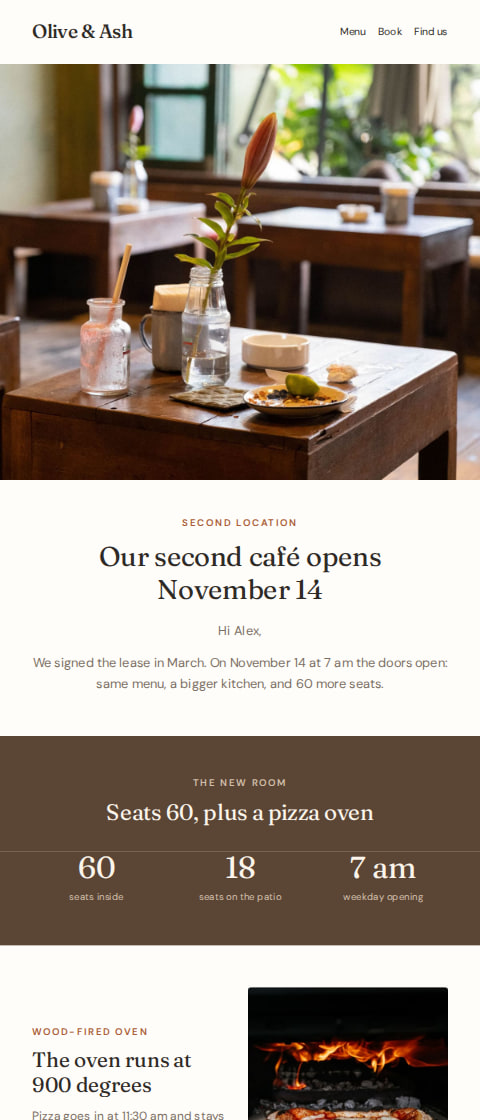
Café and restaurant
Second location opening announcement
“Our second location opens November 14”
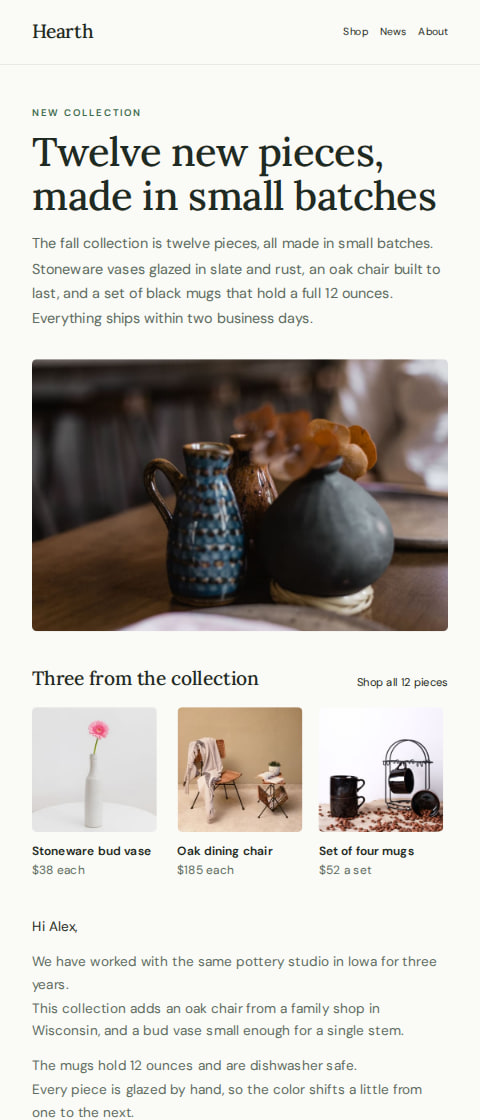
Home decor shop
New collection announcement email
“New ceramics, chairs and mugs from Hearth”
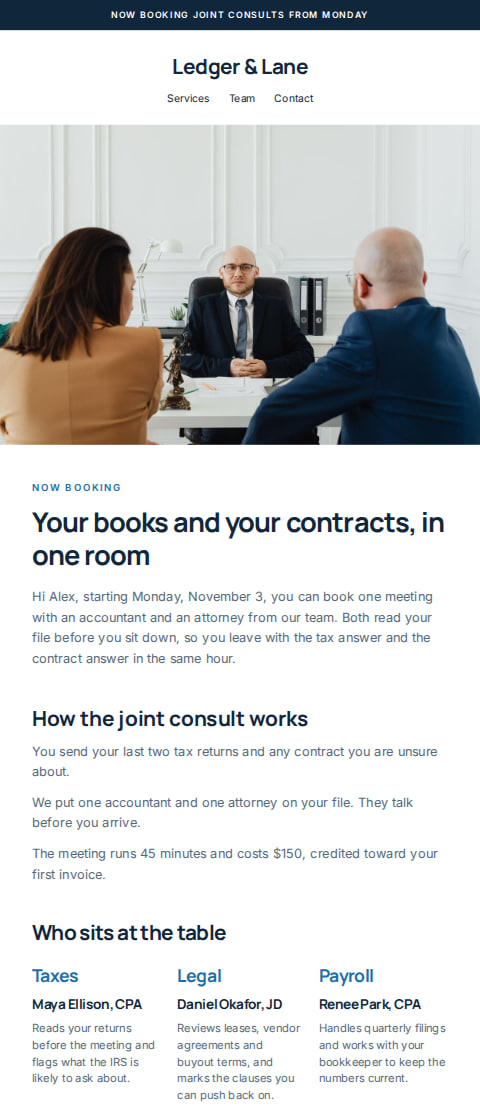
Accounting and legal practice
Joint consult announcement email
“Accountants and lawyers, now in one meeting”
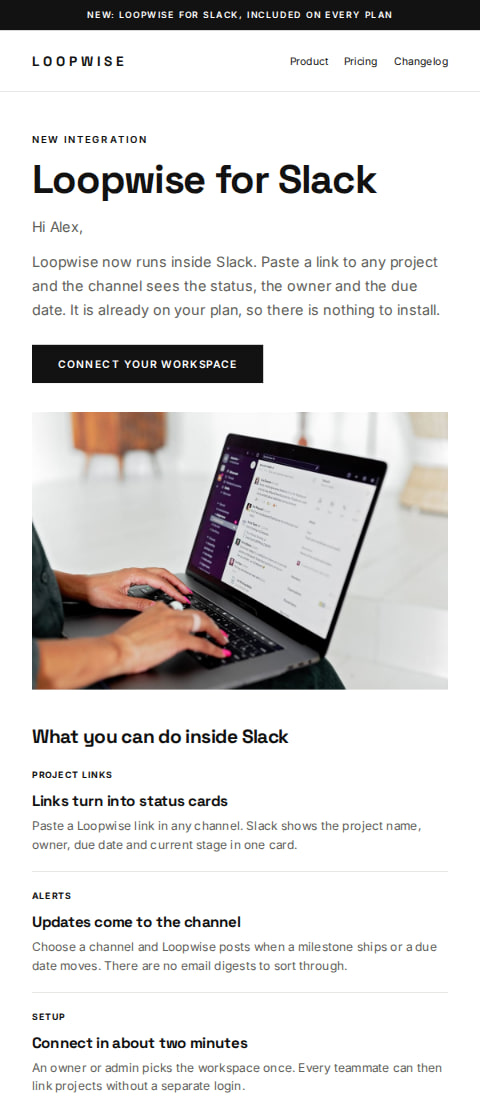
Software company
New feature announcement email
“Loopwise now runs inside Slack”
The guide
How to write announcement emails
When to send it
Send an announcement when something changes for the person reading it: a second location, a new product line, longer opening hours, a service that now takes online bookings. If the change means they can do something they could not do last week, it belongs in an email.
Most announcements go to the whole list. Send to a saved segment when only one group is affected, like customers who bought a certain kind of product before, or regulars who visit one location.
Skip it for internal changes, a small price tweak, or anything you cannot explain in three lines. An announcement with no clear next step reads like noise.
Timing
Send once the details are fixed and you can answer questions about them. For an opening or a launch date, a week to ten days ahead gives people time to plan, and a short reminder a day before is enough.
One announcement is usually enough. If you add a reminder, send it as its own campaign to the same list or segment, and keep it shorter than the first.
Subject lines
Olive & Ash9:41 am
Our second shop opens November 14
Olive & Ash9:41 am
New opening hours start Monday
Olive & Ash9:41 am
We're open on Sundays from now on
Olive & Ash9:41 am
A new menu starts this week
Olive & Ash9:41 am
You can now book online
Olive & Ash9:41 am
Our winter collection is here
Olive & Ash9:41 am
Now taking bookings for December
Olive & Ash9:41 am
Now open until 8 on weekdays
Olive & Ash9:41 am
Two new services, one booking
Olive & Ash9:41 am
Our new space opens next week
How AguMail sends it
An announcement sends as a one-off campaign, so it goes out when you choose. Pick the whole list, or a saved segment on Starter and above, and send now or set a time. Campaigns are on every plan, Free included.
Start from any template on this page. It is free on every plan, copies into your account and opens in the editor, where every word, color and picture can be changed. The writing assistant can draft the words from the business details saved in AguMail, and you read and approve the email before it goes out.
This email is sent as a campaign, to the list or a saved segment, now or at a time you pick. Campaigns are on every plan, Free included.
Common questions about announcement emails
How far ahead should I send an announcement?
Far enough that people can plan, but only once the details are settled. A week to ten days before an opening or launch date works, and a short reminder the day before covers the rest.
Should it go to my whole list?
If the news changes something for everyone, yes. If only one group is affected, send it to a saved segment, which AguMail offers on Starter and above.
Can I set it to go out at a certain time?
Yes. A campaign goes out now or at a time you pick, so you can have it land on the morning the news is live.
How many announcement emails should I send?
Usually one, plus a reminder if there is a date people need to act on. Each one is a separate campaign and you choose the list for each.
Can I change the template before sending?
Every template is free on every plan and copies into your account. It opens in the email editor, where you can rewrite the words, swap the pictures and change the colors.
Ready to send your announcement email?
Pick a template, make it your business in the editor, and let AguMail send it.
No credit card to start · 14-day free trial · Cancel anytime
More kinds of email:Abandoned cart emailsBack in stock emailsComing soon emailsEvent emailsLoyalty & rewards emailsNewsletter emailsProduct launch emailsPromotion emailsReview request emailsSale emailsThank you emailsWelcome emailsWin-back emails